Universal TV Remote Control
Galixo.AI - Super TopVPN PROXY, MUSIC PLAYER
Downloads
5,000,000+
Source
Google Play
Click to download now, finish the installation quickly, and directly unlock the all-round experience
Screenshots
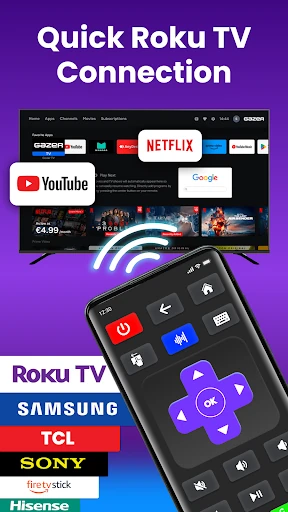
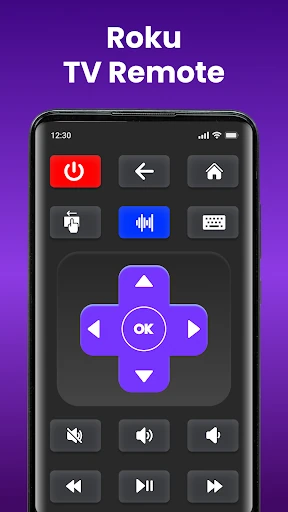
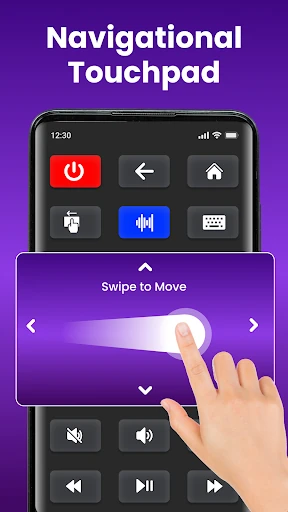
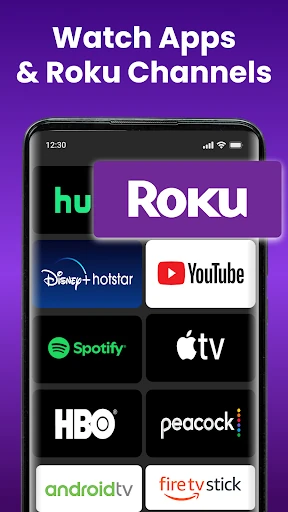
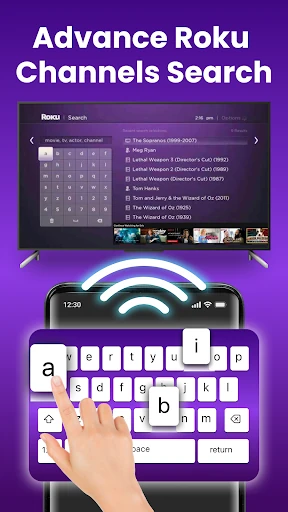
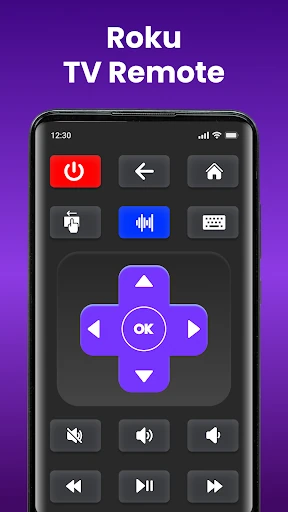
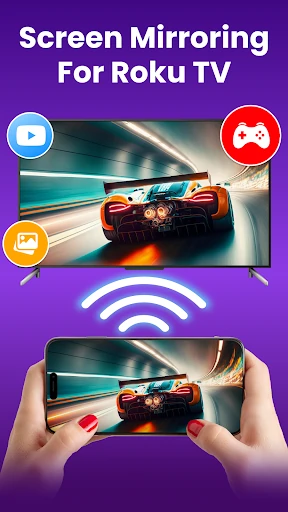
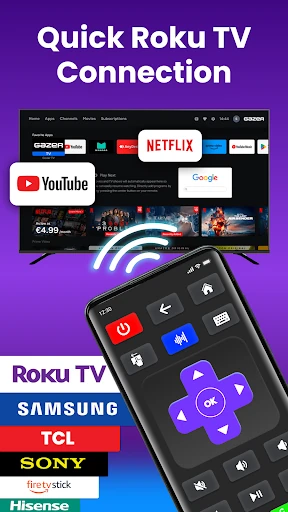
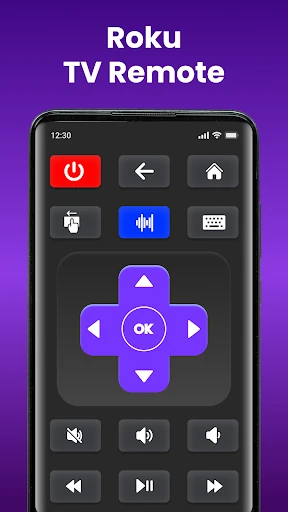
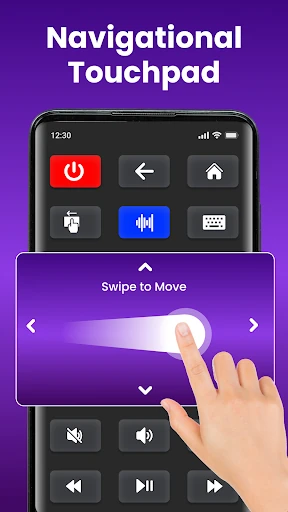
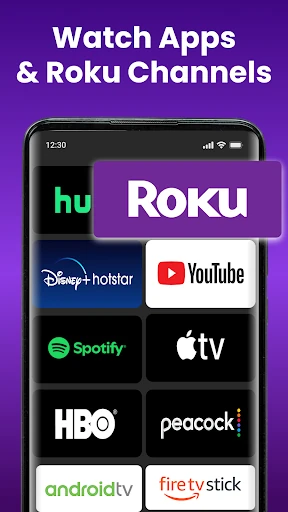
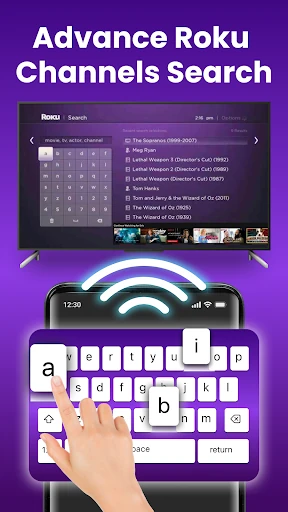
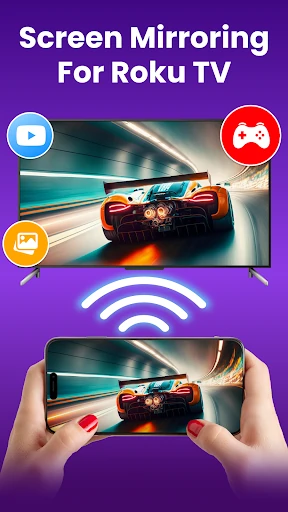
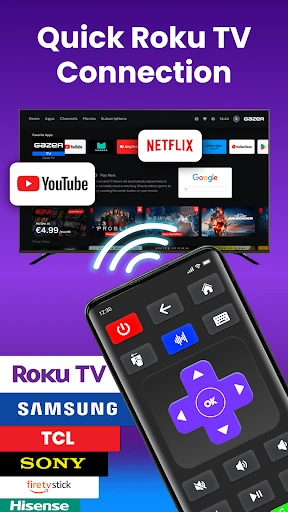
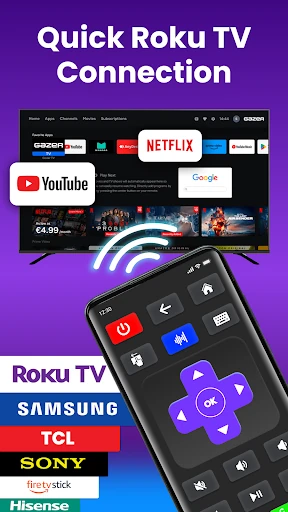
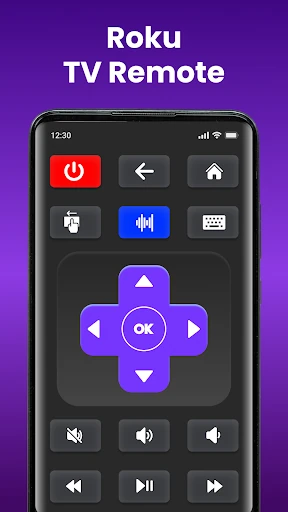
Click to download now, finish the installation quickly, and directly unlock the all-round experience
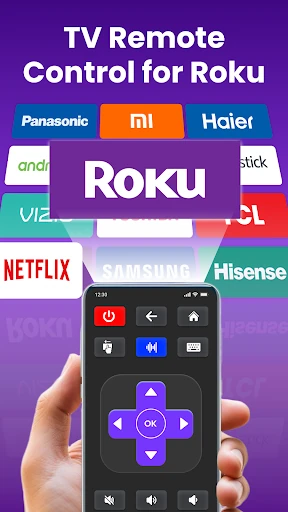
Universal TV Remote Control turns an Android phone into a controller for compatible TVs. It offers two connection routes: Wi-Fi for smart TVs and infrared for TVs when the phone has an IR blaster. The app can check whether that hardware is available, so the connection method depends partly on the phone and television you use.
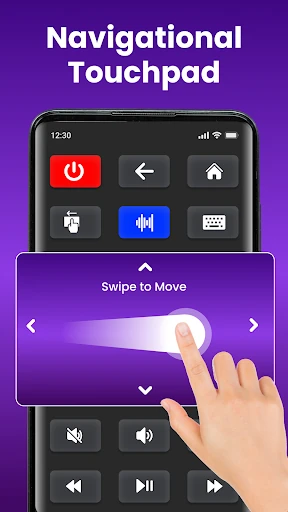
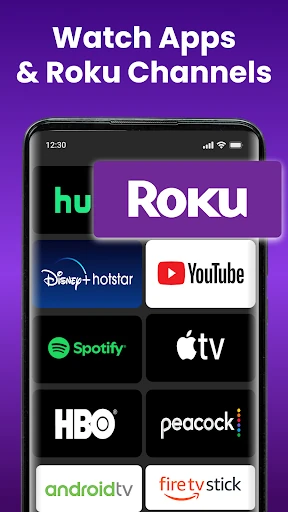
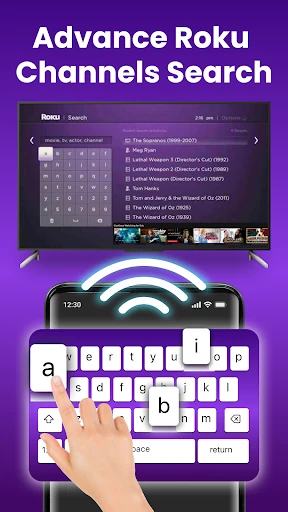
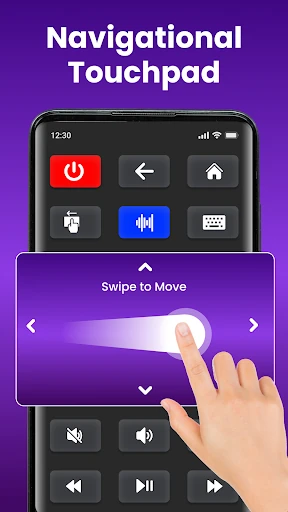
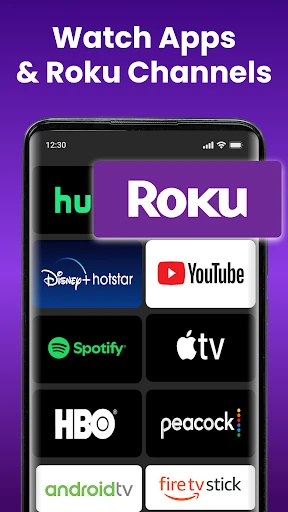
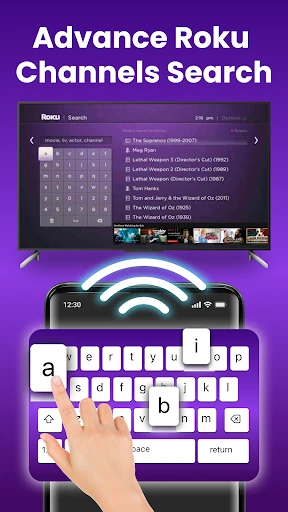
The app includes familiar remote controls for tasks such as changing volume and channels, alongside a touchpad-style option for navigation. It also lists voice search for supported TV platforms, including Roku and Android TV. A pairing code displayed on the television is used when connecting over Wi-Fi.
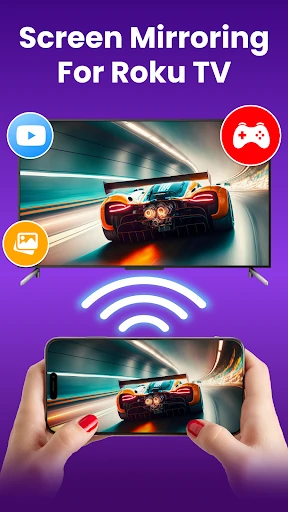
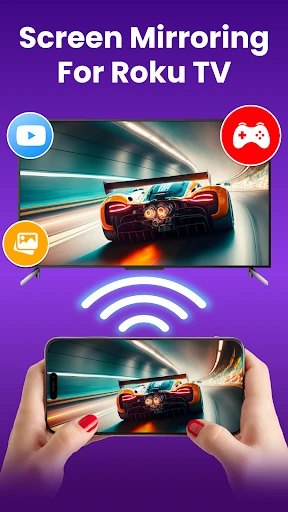
There is also a casting option for sending photos, videos and games from the phone to a TV. That may be useful if you want to show mobile content on a larger screen, though the available functions depend on the connected device.
This is most relevant if you want one phone app for controlling a supported television, or often misplace the physical remote. It may also be worth a look if your phone has an IR blaster and you want to try controlling an older TV. Check that your TV and phone support the connection method and features you need before relying on it as a replacement remote.