Click to download now, finish the installation quickly, and directly unlock the all-round experience
Screenshots

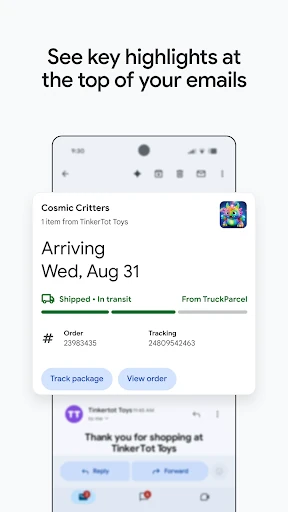
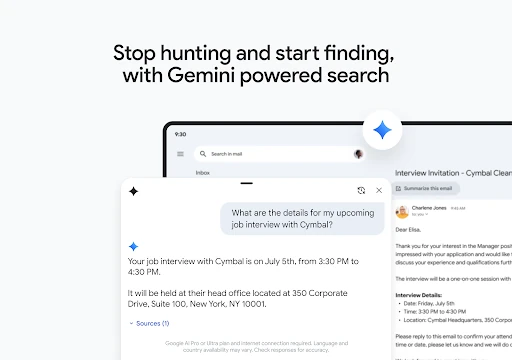
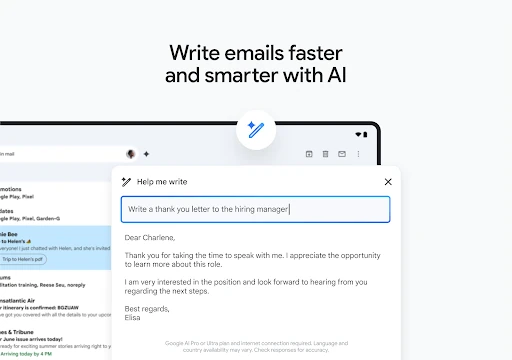
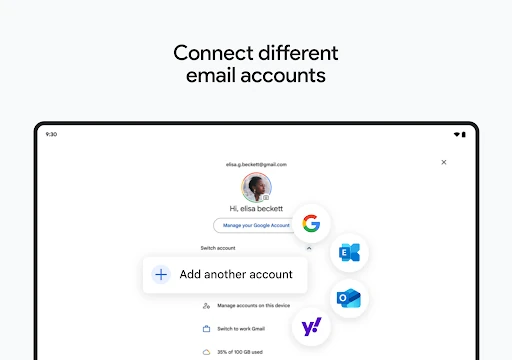



Click to download now, finish the installation quickly, and directly unlock the all-round experience
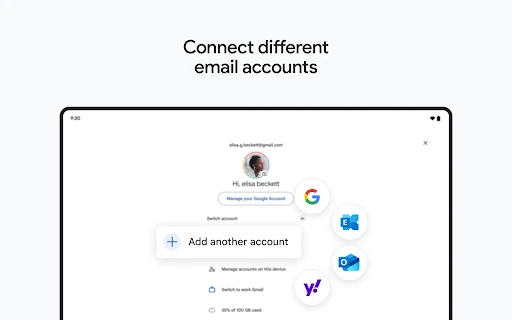
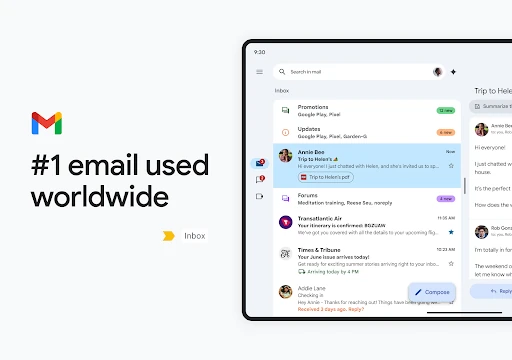
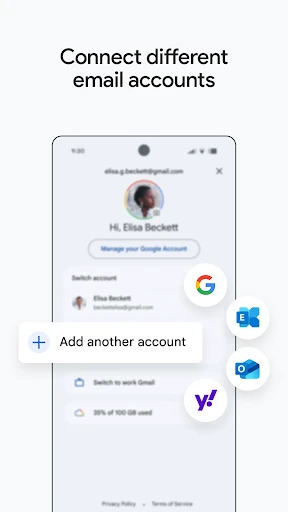
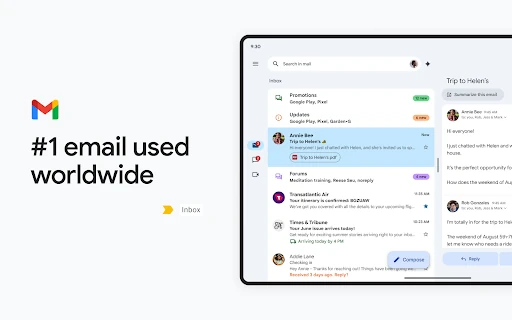
Gmail is Google’s email app for reading, sending and organizing messages on an Android phone. It suits people who want to keep up with personal or work correspondence, search older messages and manage more than one email account from a single app. Alongside Gmail accounts, the app can handle accounts from other email providers.
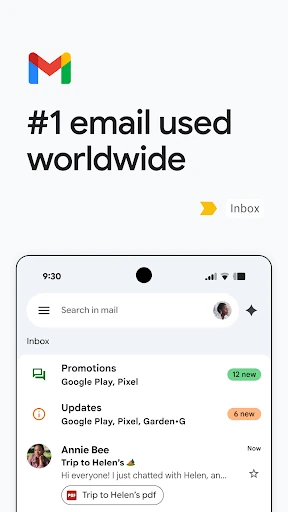
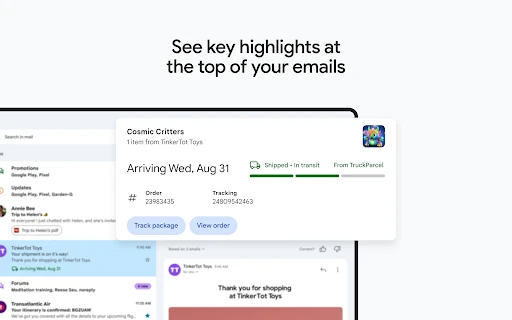
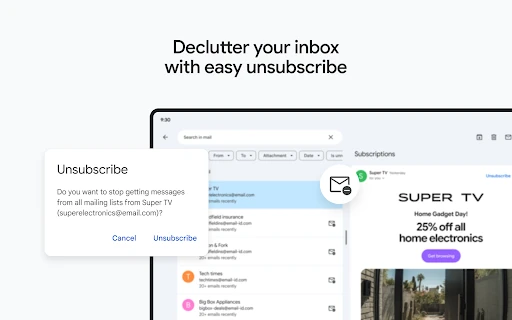
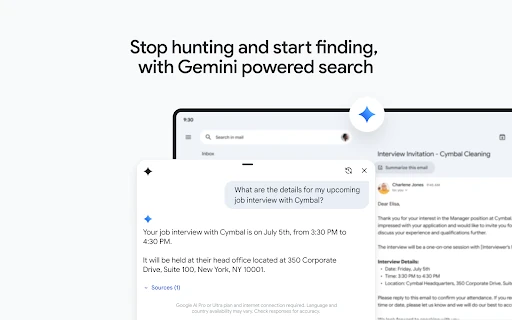
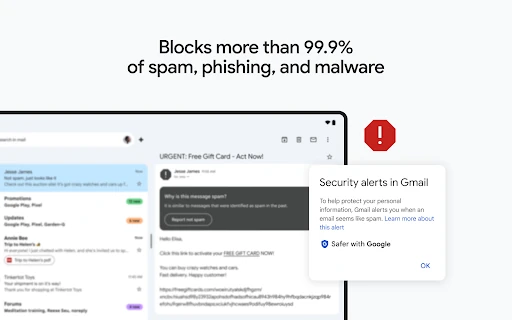
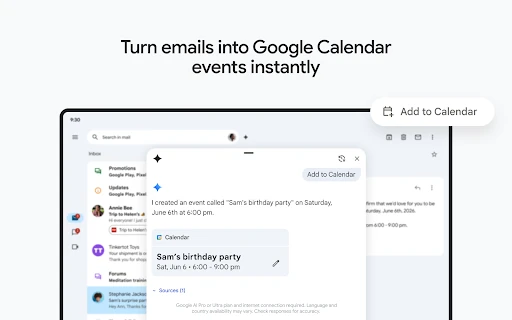
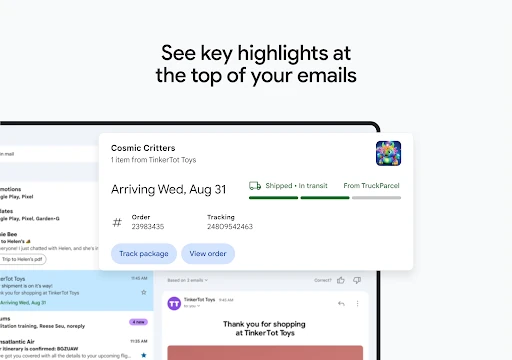
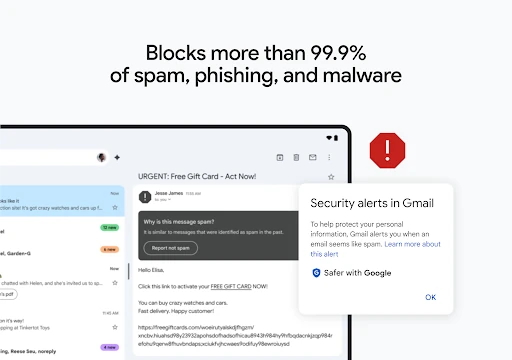
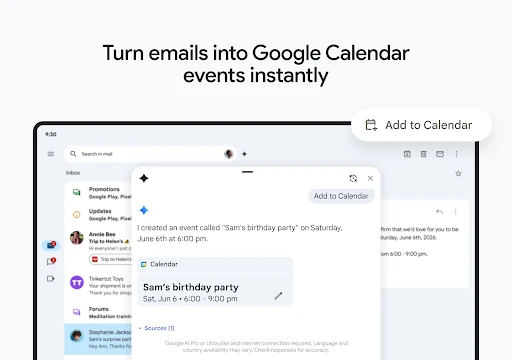
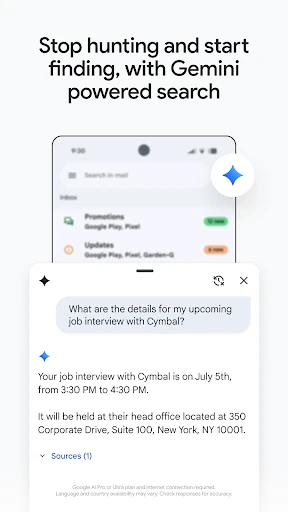
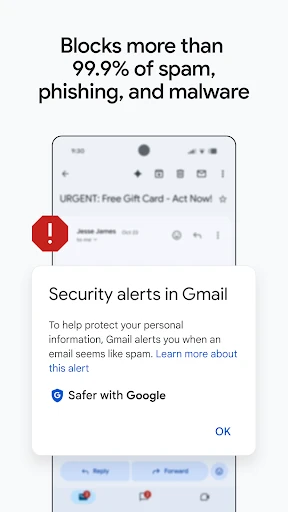
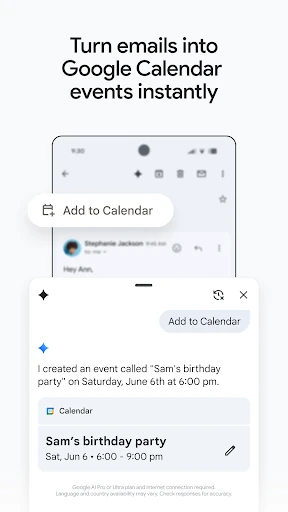
The inbox is the main place to review new mail and open conversations. Search helps locate messages when scrolling through the inbox is not practical, while spam filtering separates unwanted mail from regular correspondence. Gmail also connects email with Google services such as Calendar, Meet and Chat, which may be useful for people who already use those tools. These additions broaden its role, though someone looking only for a basic inbox may not need them.
Gmail is a straightforward candidate for Android users who rely on email throughout the day or use several accounts. It is also worth considering if keeping email alongside Google’s other communication and scheduling services matters to you. If you rarely check email on your phone, or prefer a minimal app with no broader service connections, its extra options may be unnecessary.
Gmail is published by Google LLC in the Communication category. Its store rating is about 4.1 out of 5, based on more than 14 million ratings, and the listing reports 10 billion or more installs. Those figures show that it is widely used, but they do not indicate whether its layout or account features will suit your own habits. Check the listing for the current details before deciding.